How Can I Check my NSFAS Status Using USSD
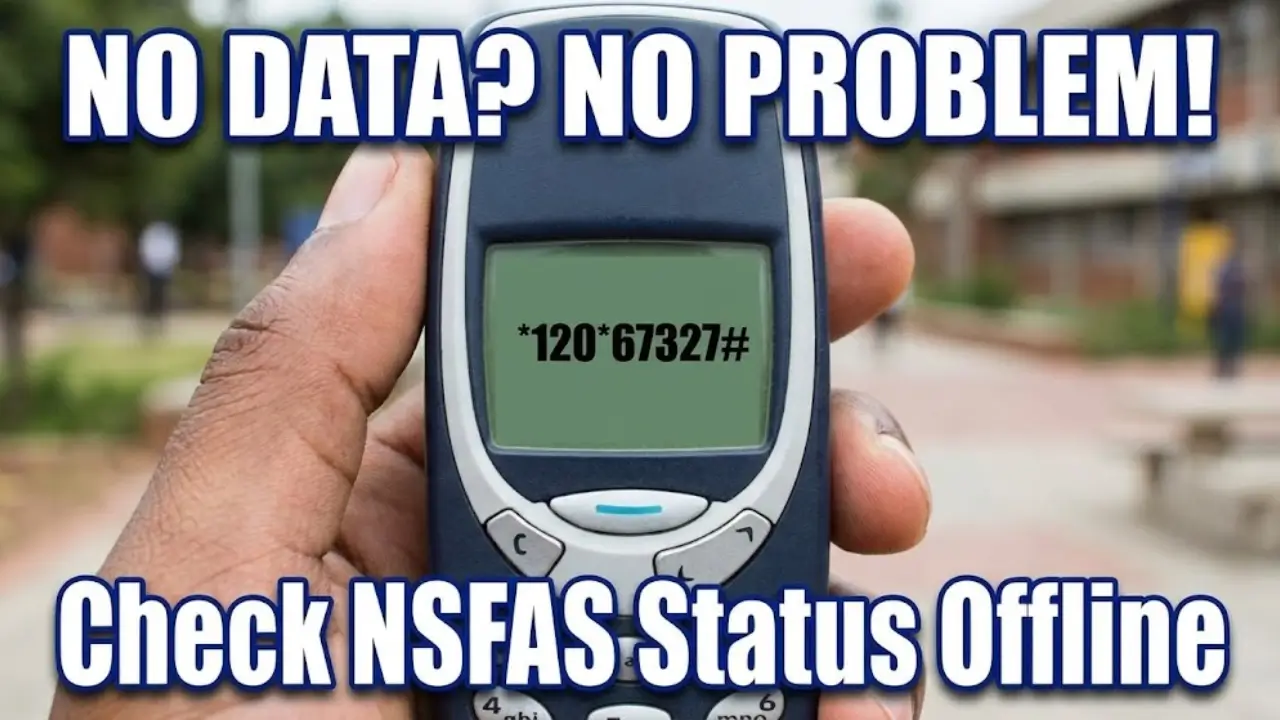
For many South African students, checking the status of their NSFAS application can be stressful. Fortunately, NSFAS offers a USSD service, which allows students to check their application progress quickly, even without internet access. This method is simple, fast, and works on any cellphone.
In this guide, you’ll learn how to use the USSD service, what it can and cannot do, and alternative ways to track your NSFAS status.
What Is the NSFAS USSD Service?
The NSFAS USSD service is a mobile-based system that provides updates about your application without requiring data or a smart device. It is ideal for students who have basic mobile phones or limited internet access.
Key points about the NSFAS USSD service:
- USSD Code: 12067327#
- Cost: Standard network rates may apply
- Availability: Works on any South African SIM card
- Requirements: South African ID number and a cellphone linked to your NSFAS account
This service is designed for quick checks rather than full account management. It is best used to confirm if your application exists and to get basic status updates.
Step-by-Step Guide: Checking NSFAS Status Using USSD
Checking your NSFAS application status via USSD is straightforward. Follow these steps carefully to avoid errors:
- Open the dial pad on your cellphone.
- Dial *120*67327# and press the call button.
- Follow the on-screen prompts.
- Enter your South African ID number when requested.
- Read your status update on the screen.
Tips for smoother use:
- Use the cellphone number linked to your NSFAS account.
- Dial slowly and correctly to prevent errors.
- Try during office hours for faster responses.
- Keep your ID number ready before starting.
- If the system is busy, you may need to try again later in the day.
Also read: NSFAS Payment Dates: Student Check 2026 Details
What You Can and Cannot Do Using USSD
While USSD is convenient, it has limitations compared to the myNSFAS portal. Here’s a simple breakdown:
| What You Can Do | What You Cannot Do |
|---|---|
| View basic application status | Check payment amounts or history |
| Confirm if your application exists | Sign bursary agreement (NBA) |
| Track progress such as “Awaiting Results” | Change contact or banking details |
| Verify your ID is linked to NSFAS | See detailed rejection reasons |
If you need to make changes, download documents, or see detailed payment information, you will need to use the myNSFAS portal.
Tips to Avoid Errors or Delays
Using USSD is generally quick, but mistakes or delays can happen. Follow these tips for the best experience:
- Always use the phone number registered with NSFAS.
- Double-check that you are dialing the code correctly.
- Avoid checking during high-traffic periods when the system may be slow.
- Make sure your ID number is ready before starting the process.
- If your number isn’t linked to your account, results may not display correctly.
Also read:
Other Ways to Check Your NSFAS Status
If USSD does not give the information you need, there are other ways to track your application:
- NSFAS Login Portal: Provides full access to your profile and payments.
- Status Check Using ID Number: Quick verification if your application exists.
- Track NSFAS Appeal Status: For students who have applied for an appeal.
Each method has its own advantages. USSD is fast and data-free, while the portal provides complete details about payments and bursary agreements.
Also read: NSFAS 2026 Deadlines: Why Apply Early?
Frequently Asked Questions (FAQ)
Conclusion
Checking your NSFAS status using USSD is fast, convenient, and does not require internet access. By dialing 12067327# and following the prompts, you can quickly confirm your application status.
However, for full access to your profile, bursary agreements, and payment details, it’s recommended to regularly use the myNSFAS portal. Keeping your contact details updated ensures smooth communication and timely updates on your funding progress.
